
Dynalite User Interfaces
Dynalite user interfaces are the point where system intelligence meets user experience. From elegant wall switches to advanced touch screens, these interfaces allow intuitive control of lighting scenes, dimming levels, and system functions across hospitality and commercial environments.
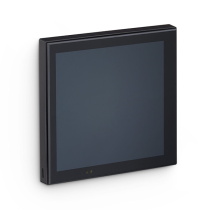
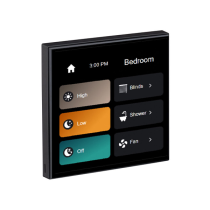
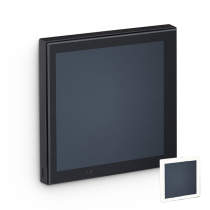
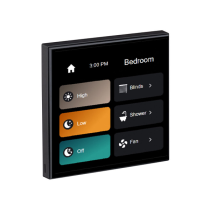
Modern Dynalite switches, including the Antumbra range, combine capacitive touch technology with premium finishes, making them particularly suited to hotels, luxury residences, and public spaces where aesthetics matter. Touch screens provide centralised control for reception desks, control rooms, and facilities teams, allowing staff to manage multiple zones from a single interface.
For projects migrating from iLight, Dynalite user interfaces offer a familiar yet more flexible control experience, supporting advanced programming, scalable system design, and seamless integration with wider Philips lighting control systems. This makes Dynalite a practical and future-proof replacement where iLight is no longer available.
As a hospitality procurement specialist and Signify Gold Partner, Lightsave supports specification, product selection, and configuration of Dynalite user interfaces, ensuring compatibility with the wider Dynalite system architecture and operational requirements.
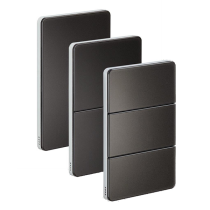

Intuitive Lighting Control with Stunning Aesthetics
What Dynalite User Interfaces Do
Dynalite user interfaces are the primary point of interaction between people and the lighting control system. They allow users to recall scenes, adjust light levels, trigger automation, and interact with the wider Dynalite system in a way that is intuitive, reliable, and visually aligned with the space.
Rather than being generic switches, Dynalite user interfaces are highly configurable control tools, designed to suit the functional, aesthetic, and operational requirements of each project. This makes them particularly well-suited to hospitality, retail, commercial, and high-end residential environments where lighting control must feel deliberate and refined.
Within the Dynalite ecosystem, user interfaces work seamlessly with load controllers, relay controllers, sensors, and integration devices to deliver a cohesive lighting control experience across the site.
User Interfaces in Hospitality, Retail & Bespoke Projects
In hospitality environments, user interfaces are a visible and tactile part of the guest experience. Whether located in guest rooms, corridors, reception areas, or back-of-house spaces, they must be intuitive for users while supporting operational control behind the scenes.
In retail and commercial applications, Dynalite user interfaces support flexible scene control, zoning, and brand-aligned lighting strategies—helping spaces adapt throughout the day or in response to changing layouts.
Dynalite is also specified in high-end residential projects where bespoke finishes, engraved labelling, and precise lighting control are key design considerations. In these settings, user interfaces must combine performance with understated design.
The Dynalite User Interface Product Range
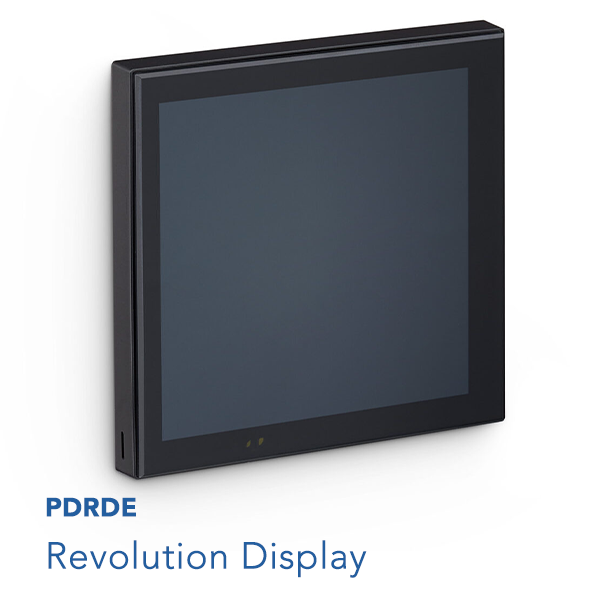
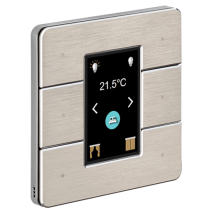
Contemporary touchscreen user interface
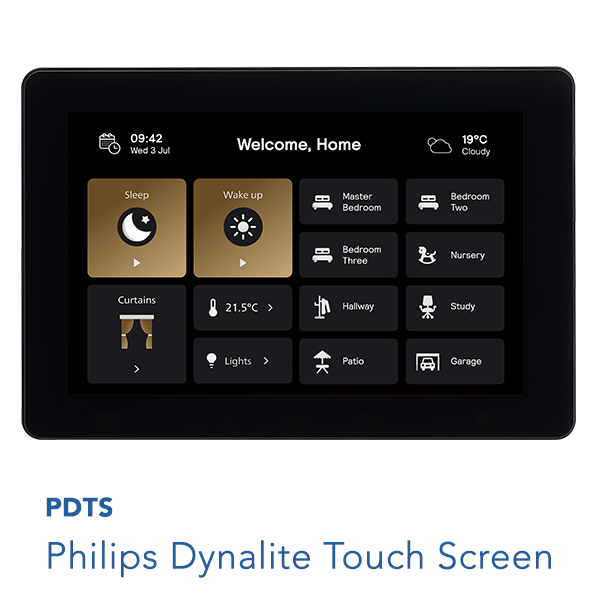
Advanced building automation & control at your fingertips
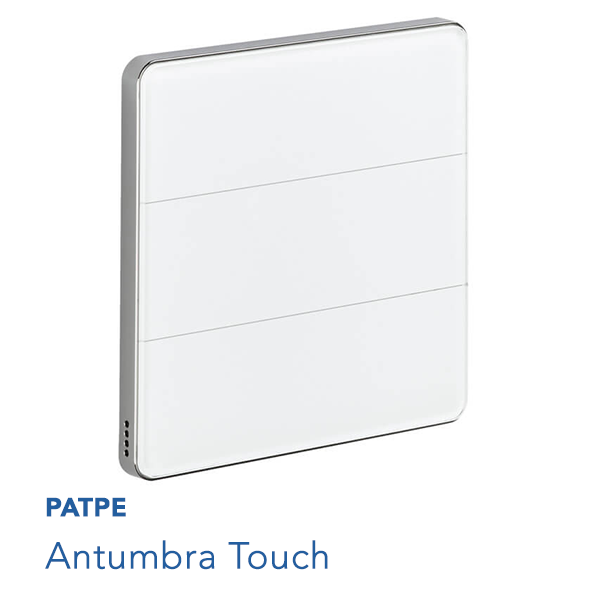
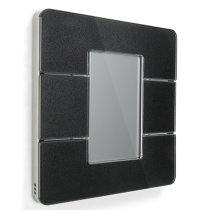
Contemporary smooth glass panels with capacitive touch technology
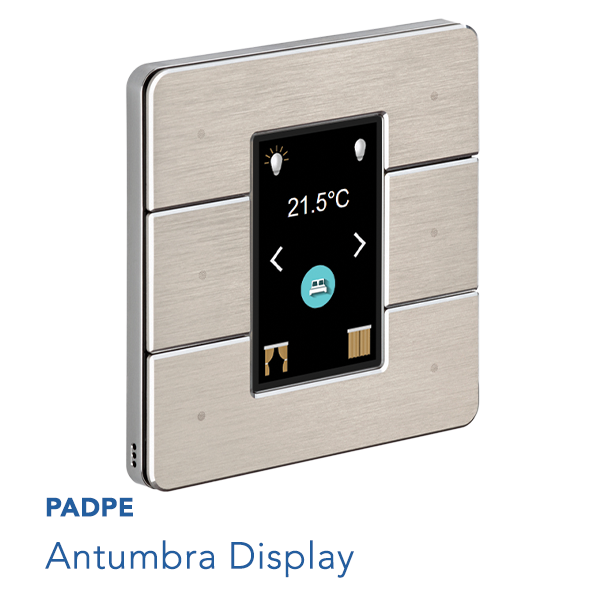
Contemporary button panel with colour LCD display
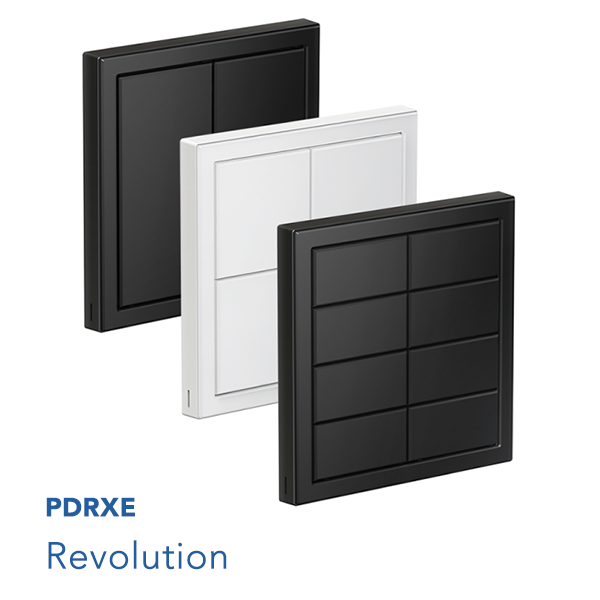
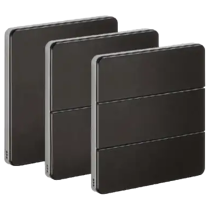
Contemporary two, four or eight-button panel with backlit buttons
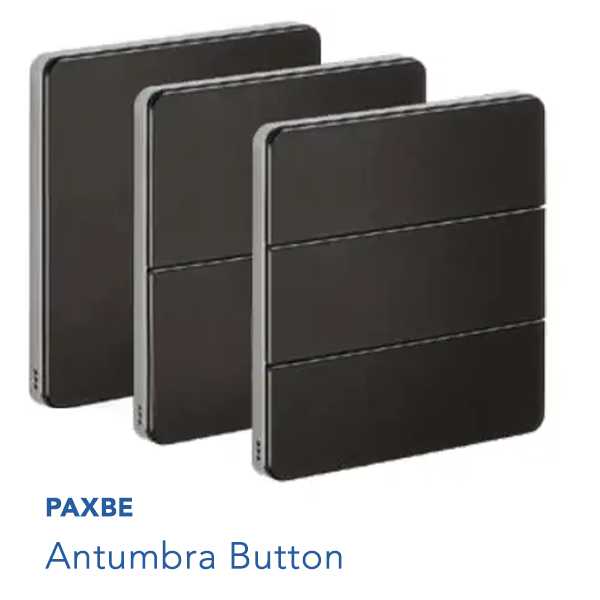
Contemporary two, four or six-button panel with light-wash effect
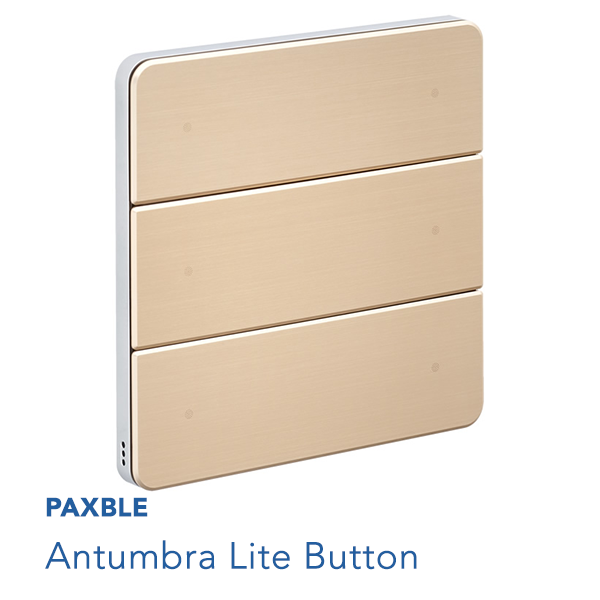
Six-button panel with dry contact switches
Antumbra User Interfaces
Antumbra – Minimalist, Intelligent Control
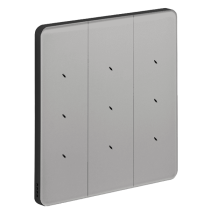
The Antumbra range is Dynalite’s most refined and design-led user interface family. Using capacitive touch technology, Antumbra panels offer a clean, minimalist appearance with subtle visual feedback.
Antumbra interfaces are available in a wide range of finishes and configurations, making them ideal for luxury hospitality spaces, premium retail environments, and high-end residential applications. Engraved labelling allows each interface to be clearly identified while maintaining a bespoke aesthetic.
From simple scene recall to advanced multi-function control, Antumbra panels combine elegance with powerful system integration—making them a popular choice where design quality is as important as performance.
Revolution User Interfaces
Revolution – Flexible, Customisable Button Control
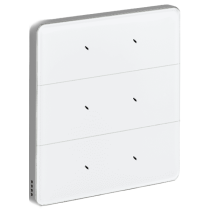
The Revolution range offers a more traditional button-based interface, designed for projects requiring tactile feedback and flexible configuration. With multiple button layouts, engraved labelling, and a broad choice of finishes, Revolution panels are highly adaptable to different environments.
In hospitality projects, Revolution interfaces are commonly used in guest rooms, service areas, and staff-only spaces where clarity and durability are essential. Their flexibility also makes them suitable for retail and commercial environments where lighting scenes need to be clearly identified and easily adjusted.
Revolution interfaces balance practicality with customisation, allowing lighting control to be tailored precisely to how a space is used.
Philips Dynalite Touch Screen
PDTS – Advanced Centralised Control
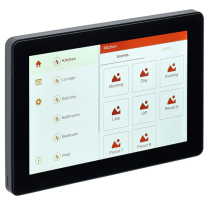
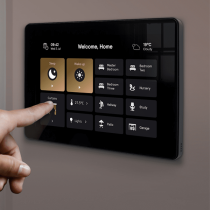
The Philips Dynalite Touch Screen (PDTS) provides a graphical interface for managing lighting control across multiple zones or areas. Unlike wall switches, PDTS units are typically used where centralised or supervisory control is required.
Common applications include hotel receptions, concierge desks, facilities management offices, and control rooms. PDTS interfaces allow users to view system status, adjust scenes, and manage lighting across large areas from a single point.
For complex hospitality and commercial projects, PDTS units offer an additional layer of visibility and control—supporting efficient day-to-day operation and system oversight.
Engraved Labelling, Finishes & Configuration Options
Both Antumbra and Revolution user interfaces support engraved labelling, allowing controls to be clearly identified for guests, staff, or occupants. This is particularly valuable in hospitality and commercial environments where clarity reduces misuse and training requirements.
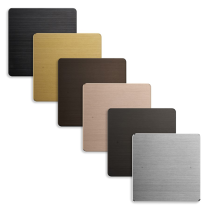
A broad spectrum of finishes, colours, and button configurations enables interfaces to blend seamlessly with interior design schemes. This level of customisation supports truly bespoke lighting control solutions—whether for a flagship hotel, retail concept, or luxury residence.
Integration, Programming & Commissioning
Dynalite user interfaces integrate fully with the wider control system, responding to scenes, schedules, sensors, and automation logic defined during programming and commissioning.
Correct configuration ensures that interfaces behave intuitively, with appropriate button functions, feedback indicators, and interaction with other system components. In hospitality environments, careful programming ensures lighting control enhances the guest experience without unnecessary complexity.
Professional commissioning is essential to ensure interfaces deliver consistent, reliable performance across the project.
Talk to Lightsave About Specification & Procurement
Lightsave supports consultants, designers, installers, and operators with the specification, procurement, and delivery of Dynalite user interfaces as part of complete lighting control solutions.
With extensive experience across hospitality, retail, commercial, and high-end residential projects, and as a Signify Gold Partner, we help ensure user interfaces are correctly selected, configured, and aligned with the wider lighting control strategy.
Whether you’re delivering a new-build hotel, a retail fit-out, or a bespoke residential project, our team can support you from early design through to procurement and system delivery.
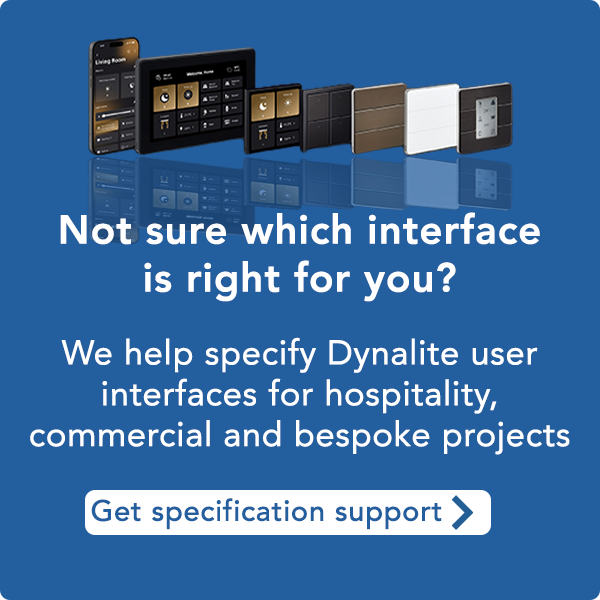
Need help specifying the right Dynalite interface?
Choosing between Antumbra, Revolution or touch screen control depends on how the space is used, the finish requirements,
and how the wider Dynalite system is configured.
Our team works with consultants, designers and operators to help specify the most suitable Dynalite user interface for hospitality,
retail, commercial and bespoke residential projects.
FAQ – Dynalite User Interfaces
Dynalite user interfaces are wall controls and touch screens used to interact with a Dynalite lighting control system, allowing users to recall scenes, adjust lighting, and trigger automation.
Antumbra uses capacitive touch technology with a minimalist design, while Revolution offers tactile, button-based control with highly flexible layouts and engraved labelling.
Yes. They are widely used in hotels for guest rooms, corridors, reception areas, and back-of-house spaces, combining ease of use with robust system integration.
Yes. Both Antumbra and Revolution ranges support engraved labelling, helping ensure clarity and ease of use in hospitality, retail, and commercial settings.
PDTS units provide graphical, centralised control of lighting across multiple zones and are commonly used by facilities teams or at reception and concierge desks.
Yes. Dynalite is specified in high-end residential applications where bespoke finishes, engraved labelling, and precise lighting control are required.
Yes. Correct programming and commissioning are essential to ensure interfaces behave intuitively and integrate properly with the wider Dynalite system.